
A VPN router is a router that is configured to work with a VPN service. Hence, all devices connected to this network use an encrypted internet connection.
This means you don’t have to install a VPN application on every device connected to the same WiFi network.
In this guide, I will explain how VPN routers work in simple terms and why they are an important tool for online privacy.
By the end of this blog, you will be able to easily answer the question: “What is a VPN router?”
Bonus: You’ll also get to know which VPN is best suited to enhance your security.
Why Should You Use a VPN Router?
In simple terms, a VPN router is a router that protects every device connected to it.
But if you can install a VPN app on your devices, you might wonder: “Why is a VPN router still useful? “
This is because a VPN router:
- Allows multiple devices to stay secure via a single router
- Ensures secure browsing on devices that don’t support VPN applications (i.e., smart TVs)
- Makes it easier for you to access geo-restricted content
- Removes the need to manually turn on a VPN every time you connect to the internet
- Protects all your smart devices by encrypting the traffic
Note: Some VPN routers come with pre-configured settings, while others require manual setup. Not all VPN routers function the same way (as you will find out in the next section).
What are the Different Types of VPN Routers?
Here, I will highlight different types of VPN routers and how each one secures your network:
1. Manually-Flashed VPN Routers
These routers require manual setup and are more suited for users with technical experience. They involve installing custom firmware or configuring VPN settings directly on the router.
While it may not be ideal for beginners, they are more cost-effective than other types.
How it Works:
You manually install compatible firmware on the router. You also need to choose firmware that is compatible with your specific router model.
Once configured, all devices connected to the router are routed through a VPN server. This ensures encrypted internet traffic across the network.
2. Pre-Configured VPN Routers
If you are not comfortable with manual configuration, you can choose a pre-configured VPN router. It comes with pre-defined VPN settings, making life easier for you.
All you need to do is set this router up at home and connect your devices to the WiFi network.
But keep in mind that such routers will cost you more.
How it Works:
A pre-configured VPN router already comes with VPN software or settings installed. You can even ask your service provider to install the VPN of your choice.
After you connect your device to this router, your internet traffic is routed through a VPN server. This makes it very difficult for a third party to access your personal data or reveal your identity.
3. VPN-Compatible Routers
These routers also require technical knowledge, as you have to manually enter server addresses and private keys.
But keep in mind that a VPN compatible router is less expensive and allows you to customize settings as per your preferences.
VPN vs VPN Router: What’s the Difference?
While both are designed to improve online privacy and security, they work differently.
1. VPN
- A VPN is usually available as a desktop application, mobile app, or browser extension. It routes your internet traffic through a VPN server to encrypt your connection.
- You need to install the VPN separately on every device you want to protect.
2. VPN Router:
- A VPN router protects all devices connected to your WiFi network by routing traffic through a VPN connection at the router level.
- The VPN runs directly on the router; you don’t need to install VPN apps individually on every device.
Which Option is Right for You?
A VPN app is a better option for you if:
- You only want to secure a few devices
- You frequently connect to a public WiFi network
- You are looking for a budget-friendly solution
- You prefer easier and more frequent server switching
Choose a VPN router if:
- You want to secure many devices at the same time
- The devices you use do not support a native VPN application
- You don’t want to manually enable a VPN on every device
- New devices are often connected to your router
Summary: VPNs are a better choice for beginners or users with a low budget. Choose a VPN router if you want to connect multiple devices to a secure server.
Which VPN to Install on Your Router?
While every VPN app claims to offer 100% security and privacy, it’s not always the case. You must choose a service that is reliable and compatible with router setups.
Based on user feedback and features, SuperFree VPN is an excellent choice for securing your network.
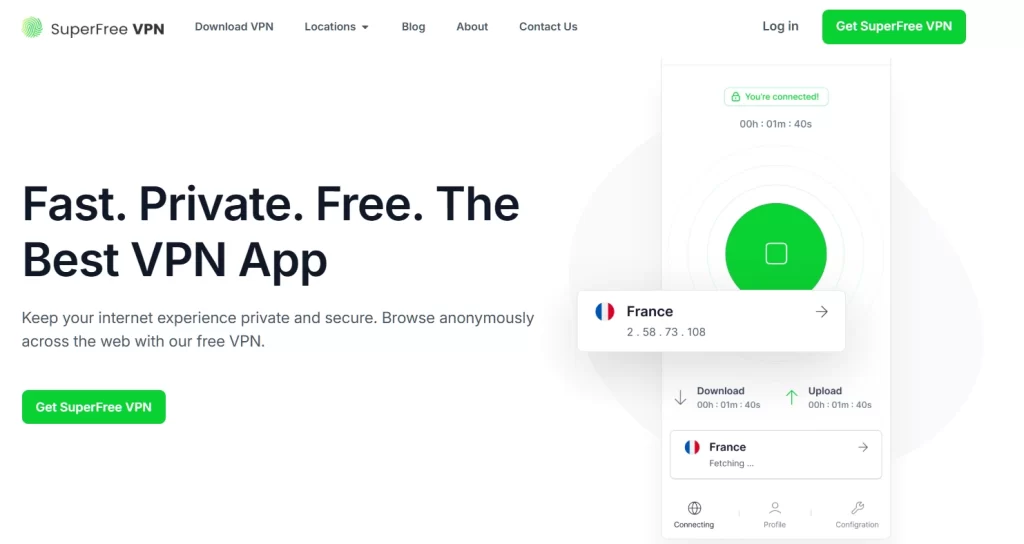
It offers high-level encryption and access to 30+ servers, helping protect your personal data and hide your IP address while browsing. It is also completely free to use, with no hidden charges or credit card requirements.
Download the app now and enjoy secure and private browsing sessions.